Follow these steps in order. Screens may look slightly different depending on your account settings.
Register your account
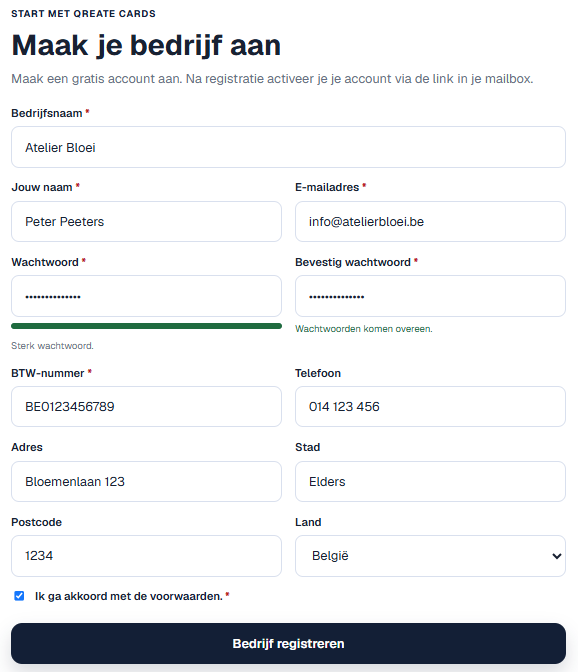
Open the registration page, enter your business details and email address, then confirm your account using the email you receive.
Complete the onboarding and choose the look of your gift card
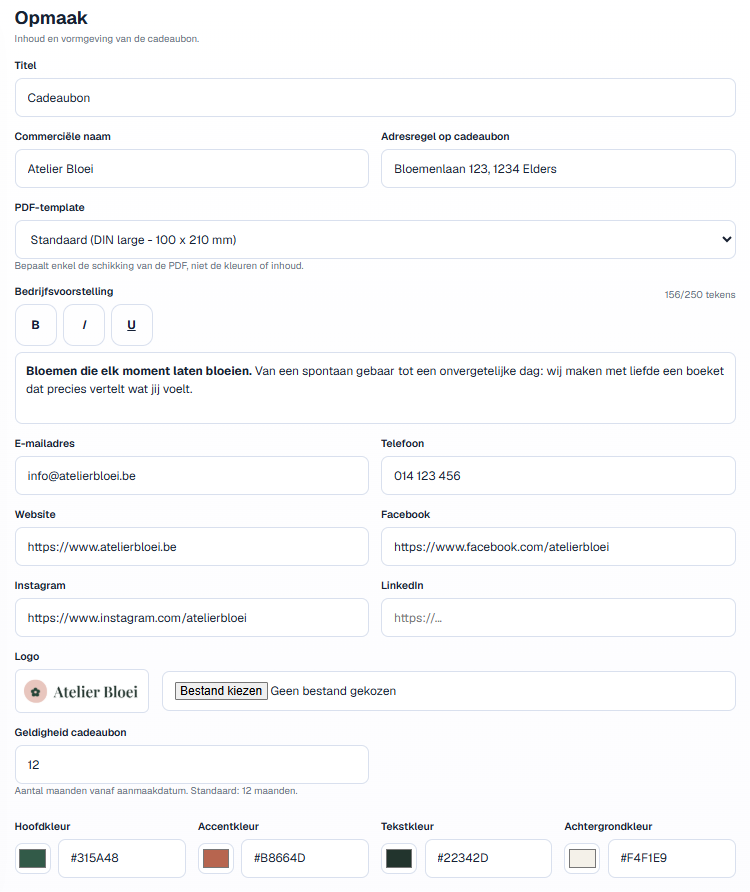
Add your business name, contact details and address. Then upload your logo, choose your colours and select a gift card template. You can choose from several standard templates in multiple formats; custom standard templates are also available.
Test your first gift card
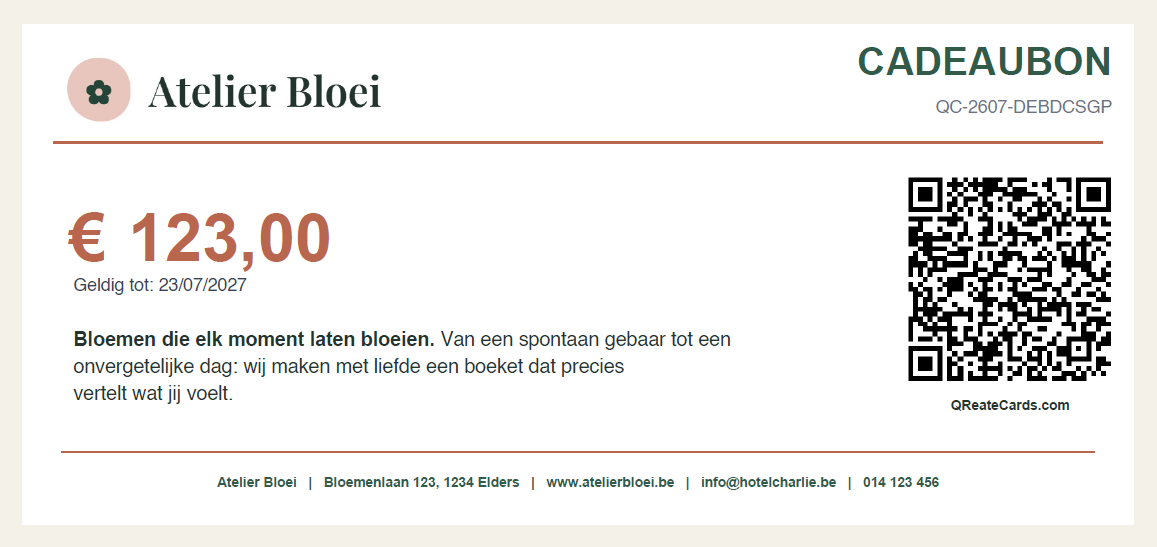
Feel free to create a gift card for testing. Check the name, colours, value and expiry date, and scan the QR code with your smartphone to check the current status of the gift card. Then redeem the test gift card in full. Please note: if you later change your settings or colours, the appearance of gift cards already created will change too.